
Databricks Free Edition Limitations
The lunch sandwich is indeed free, but doesn't include drink or chips.

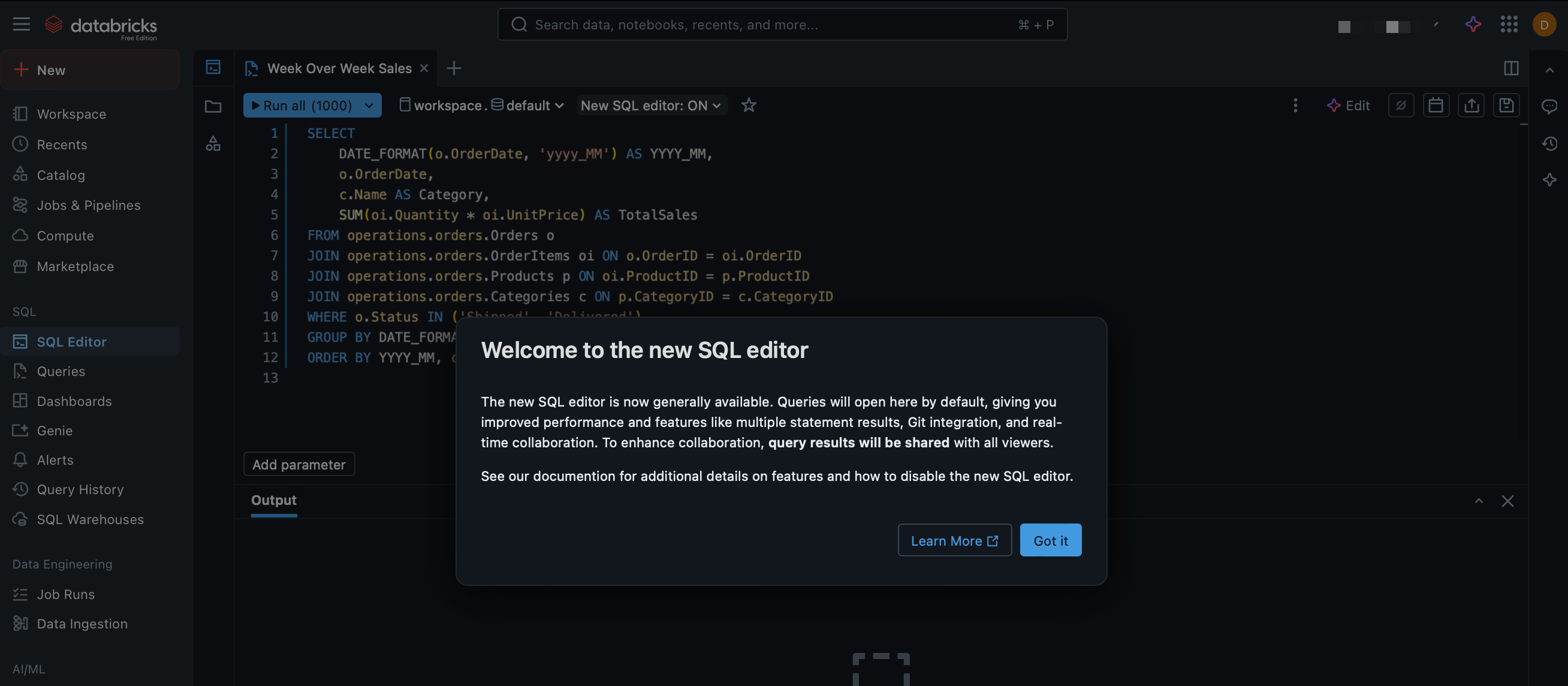
I’m becoming a borderline zealot, but the more I play with the Databricks Free Edition the more I marvel at what Databricks has unleashed. I’ve said it before, I’ll say it again - Databricks is cultivating the next generation of data practitioners of all disciples. Amazingly, the Free Edition is maintinaing near-complete feature parity with Commercial edition - the Databricks AI assistant1 has been part of Free Edition from the start, last month brought the Databricks One bunnyslope streamlined interface, and just yesterday the brand new SQL editor2 rolled out:
That being said, while the platform is free to use to your heart’s desire, it doesn’t include everything that the commercial offerings entail. The full list of Databricks Free Edition limitations is here: https://docs.databricks.com/aws/en/getting-started/free-edition-limitations. Honestly, a lot of these make sense from a cost standpoint or an edge case standpoint. Let’s take a look at a few of them:
Compute: Obviously, Databricks can’t just let free users spin up infinite compute and/or run an absurd amount of concurrent workflows. That compute costs money and it’s a huge win that Databricks even allows such a comprehensive range of non-nerfed-just-volume/size-limited compute scenarios. SQL Warehouses, all purpose compute, model serving - as I look through the list of compute limitations, I am on board with all of them3.
Features: When I look at the features is where I start to get ever so slightly salty.
R and Scale: For instance, I don’t quite see why R and Scala are disabled; while Python is well established as the linga franca for data analysis and data science, Scala is the lifeblood of Spark, and there are advantages to being able to whip something up in Scala from time to time. For instance, Databricks User Defined Functions. It’s possible it’s been updated in Databricks runtimes and Spark versions, but at least through Spark ver2 writing your UDFs in Scala would/could have a definite speed advantage4.
Clean Rooms: A big one that bums me out is Clean Rooms. I haven’t actually had a chance to take Clean Rooms for a spin yet, but I feel like they can solve some really interesting edge use cases, allowing extremely governed exploration and access to disparate organizations’ data5. Databricks’ feature page on Clean Rooms doesn’t do a great job showing what it can do, but this demo from the 2025 Data + AI summit shows an interesting retailer/supplier setup. (timestamped at the demo; you can rewind the demo if you want the Product Manager’s dog and pony show)
Agent Bricks: Similarly, it would be great to see what Agent Bricks can offer to agentic AI practices. Building chatbots and robust search engines using company data on the Databricks platform is Big If True. You know your company has a 15 year old Sharepoint with thousands of old documents, and a shared drive filled with thousands of subdirectories, and it sure would be nice to just ask a chatbot ‘What is the process for ordering birthday cakes and getting reimbursed?’ instead of trying to search through the years of detritus. Maybe you have a Product Line Management system like Windchill PLM or FlexPLM with tons of BOM PDFs and you also have an ERP like SAP or Dynamics and you need to ask about 2nd tier supplier prices and it sure would be convenient if you could ask once and have values from all systems returned. These (I believe) is the kind of thing Agent Bricks can do…assuming proper setup and whatnot.
So the cutting edge whiz bang elements are unavailable, but I think it’s obvious upon review that having unrestrained compute would be an unsustainable cost for Databricks, regardless of continued funding windfalls. I have questions about a few of the decisions, but there’s no denying the sheer amount of no-strings-attached value that Databricks is offering. If you’ve been dragging your feet, I implore you: get into Databricks, get learning. This is going to be the prime platform for data, ML, and AI practitioners of the future.
And, hey, let’s take a minute to applaud the Databricks AI Assistant.
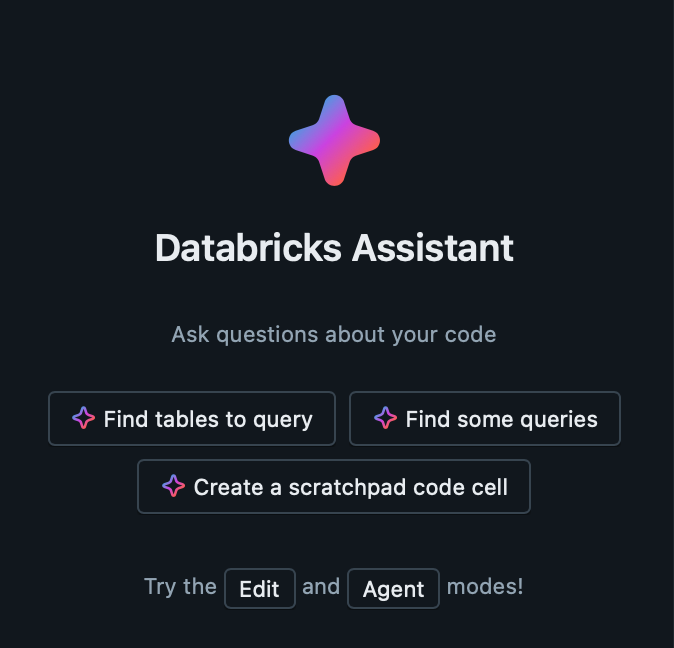
It’s actually pretty good. I haven’t put it through anything particularly grueling, but in terms of getting quick code or modifications and optimizations to your existing Databricks code, it’s pretty good. Maybe even very good. And unlike ChatGPT or Claude, you don’t have to keep reminding it ‘Hey, this is Databricks. Stop telling me from pyspark.sql import SparkSession’ . Plus, it’s right there in the UI, so you don’t have to switch windows or anything.
Not to be confused with the last time they rolled out a new SQL editor.
And for the few naysayers, let me just mock you real quick: oh, boo-hoo you can’t spin up GPU compute - look, Databricks isn’t your crypto-mining solution brah. You have the opportunity to learn vector search. Learn Databricks Apps. But you just can’t run your new cypto-AI-skibidi-unc startup completely for free, okay?
Okay, let’s dump the boring bit down here. Since Spark runs on the JVM (Java Virtual Machine), if you write a UDF in Scala and call it, it runs directly inside the Spark engine and can do all the mystical Spark sorcery like optimizations and batch processing and I wasn’t kidding when I said ‘sorcery’.
But if you write a UDF in Python, Spark spins up a separate Python process, outside the JVM. Each row of data must be serialized, sent to Python, processed, and sent back - this row-by-row communication is why Python UDFs are slower.
So the takeaway is: if your UDF is written in Scala, it’s going to run way faster (I mean, as fast as the UDF can, anyway) regardless of if you use Python or Scala when you actually call it in a notebook. Write the UDF in Python initially if you must, but take the time to change it to Scala, register it, and then go back to calling it in Python.
I’m not even sure I understand what I’m talking about and I might have also fallen asleep like you did.
Like, think of companies that need to share data with each other but either have extreme privacy needs or extreme governance needs; I can see this being a big boon for companies that are both customers and competitors of each other. For instance, say Samsung has a table they want to share with Apple, so Apple can periodically pull a list of production timelines for Samsung screens for the iPhone. The Clean Room gives Apple access to the table, and also governed queries that they can run. Any changes to the query or queries they’re running require review and approval - they can’t just comment out the WHERE company = ‘Apple’ clause, for instance, and see everyone else that Samsung supplies screens to and the timelines. It’s a feature that serves unique edge cases requiring high levels of trust, governance, and security, so it’s no wonder it’s not immediately available in the Free Edition, but it sure would be useful to kick the tires on it nonetheless.
Think about defense or space contractors - they need to work with suppliers and government organizations, but also have onerous requirements around access, auditing, oversight, etc. Clean Rooms let them limit and focus both the data exposed as well as the code being run. It’s complicated, but necessary and intriguing.