
Setting up Free Edition
A loquacious and excessively pedantic walkthrough on setting up Databricks' Free Edition offering

In my previous post I made the case that Databricks’ new ‘Free Edition’1 offering, coupled with their wide-open access to self-paced training and focus on collegiate engagement, is going to make them the front-runner in the data platform race. Allow me to demonstrate how easy it is to get started with Databricks ‘Free Edition’2.
Head on over to http://databricks.com
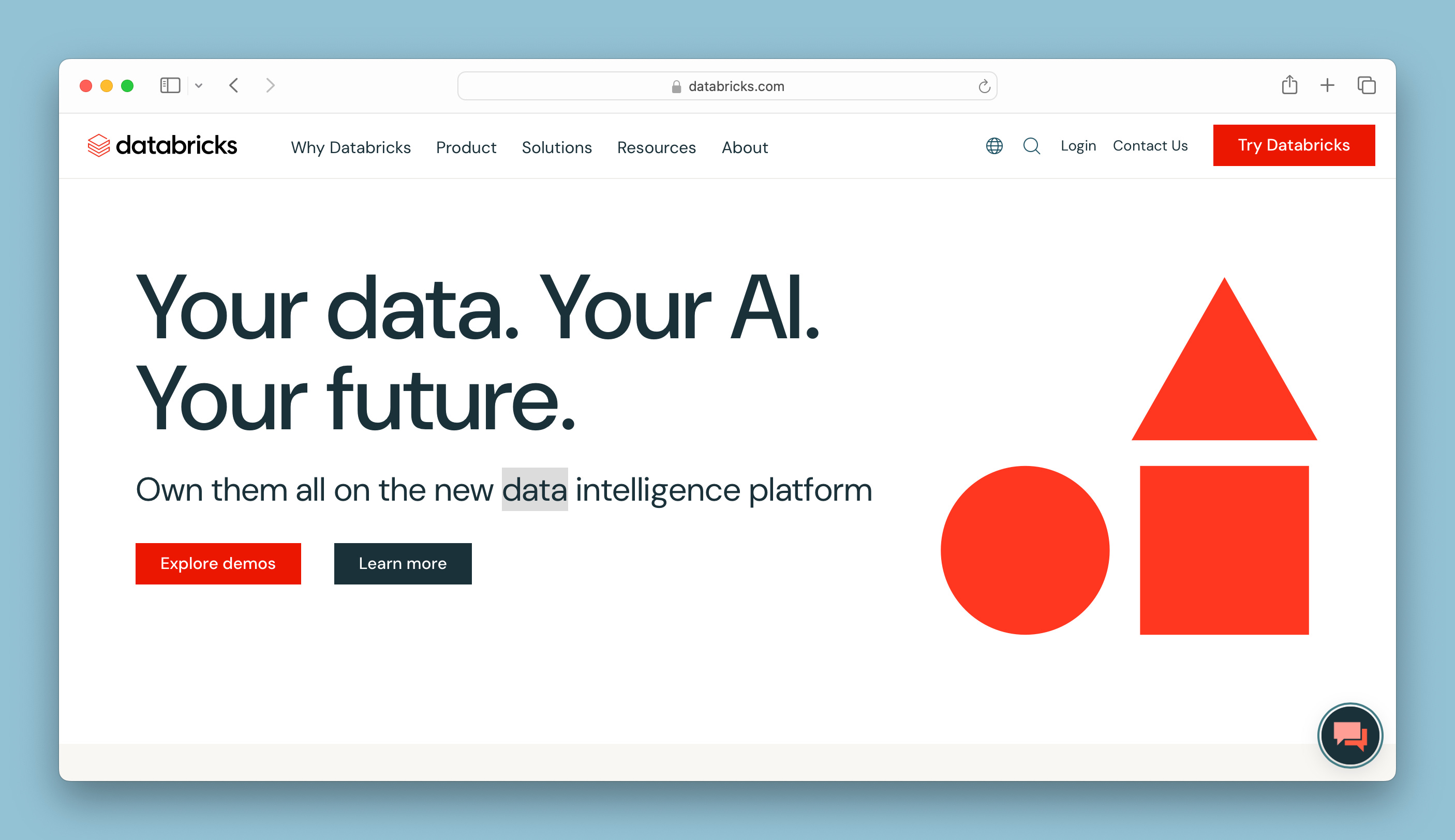
Do not click the big orange “Try Databricks” button3.
Click on ‘Resources’ at the top, and look for “Free Edition” in the sub-menu.
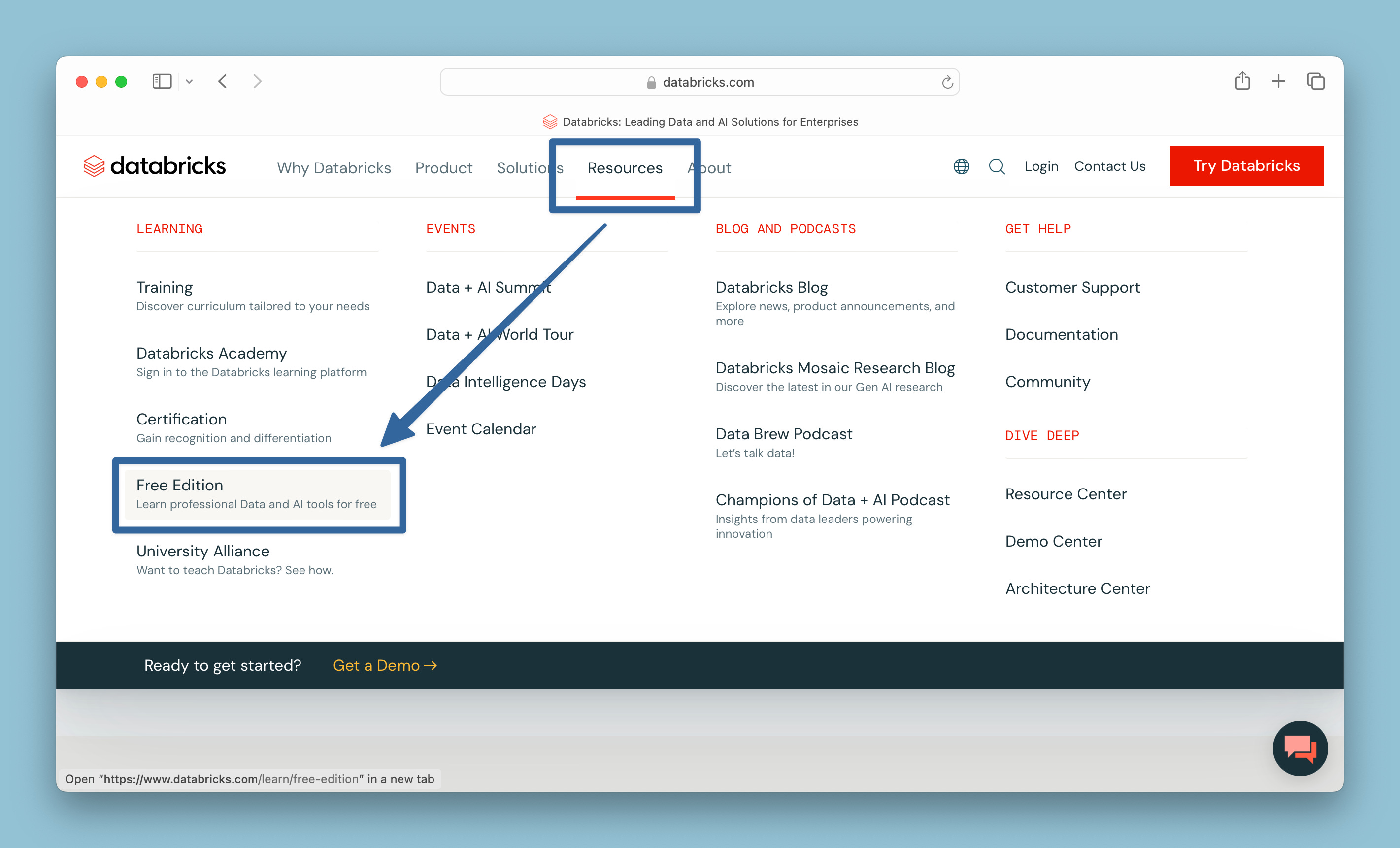
This will redirect you to the Free Edition information page.
On the Free Edition, there’s another tempting
redorange Sign-up button , just tempting you…
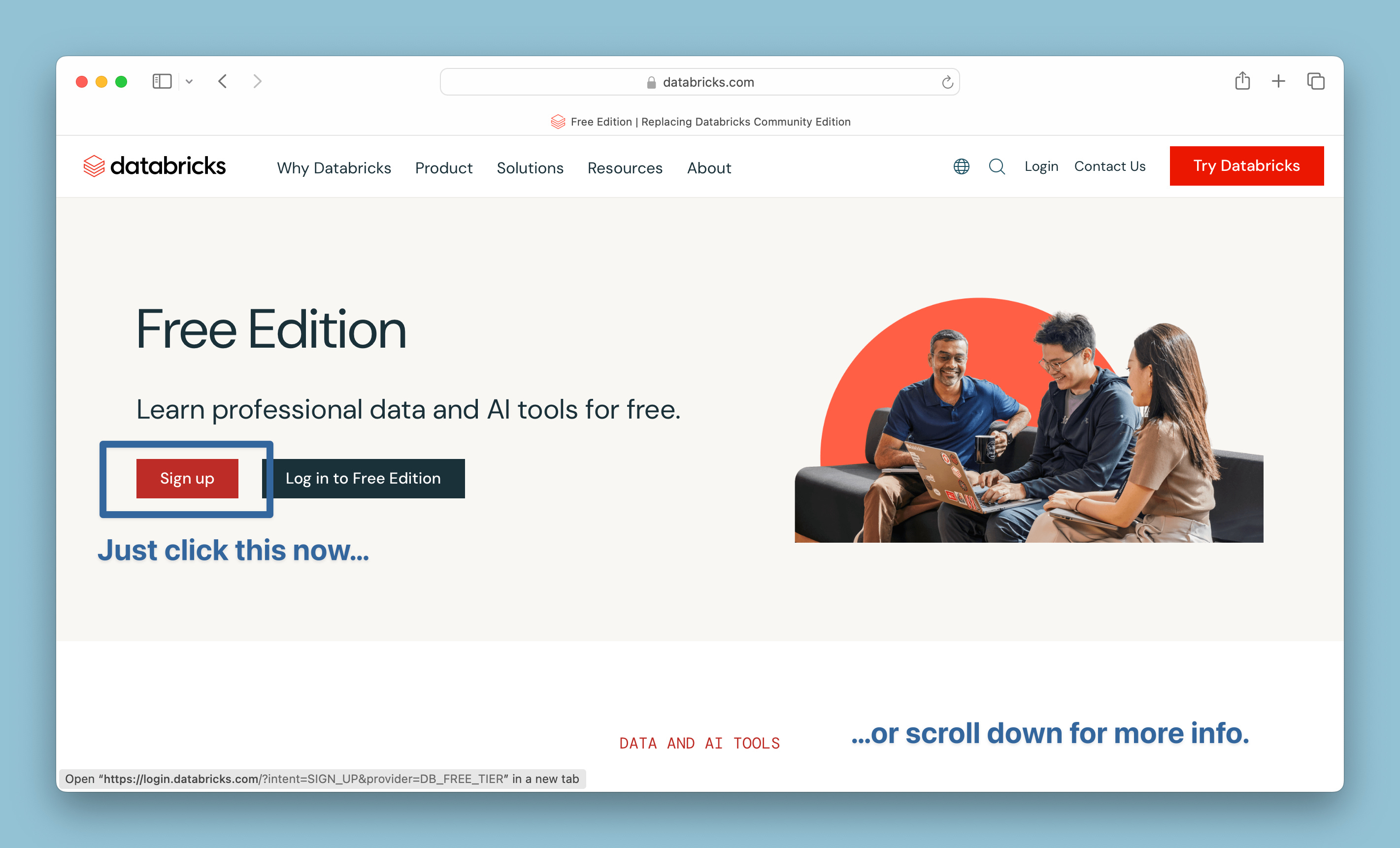
…but you might find it worth scrolling for a bit first, or at least make a mental note to come back later. Scrolling down page offers a comprehensive overview of learning possibilities:
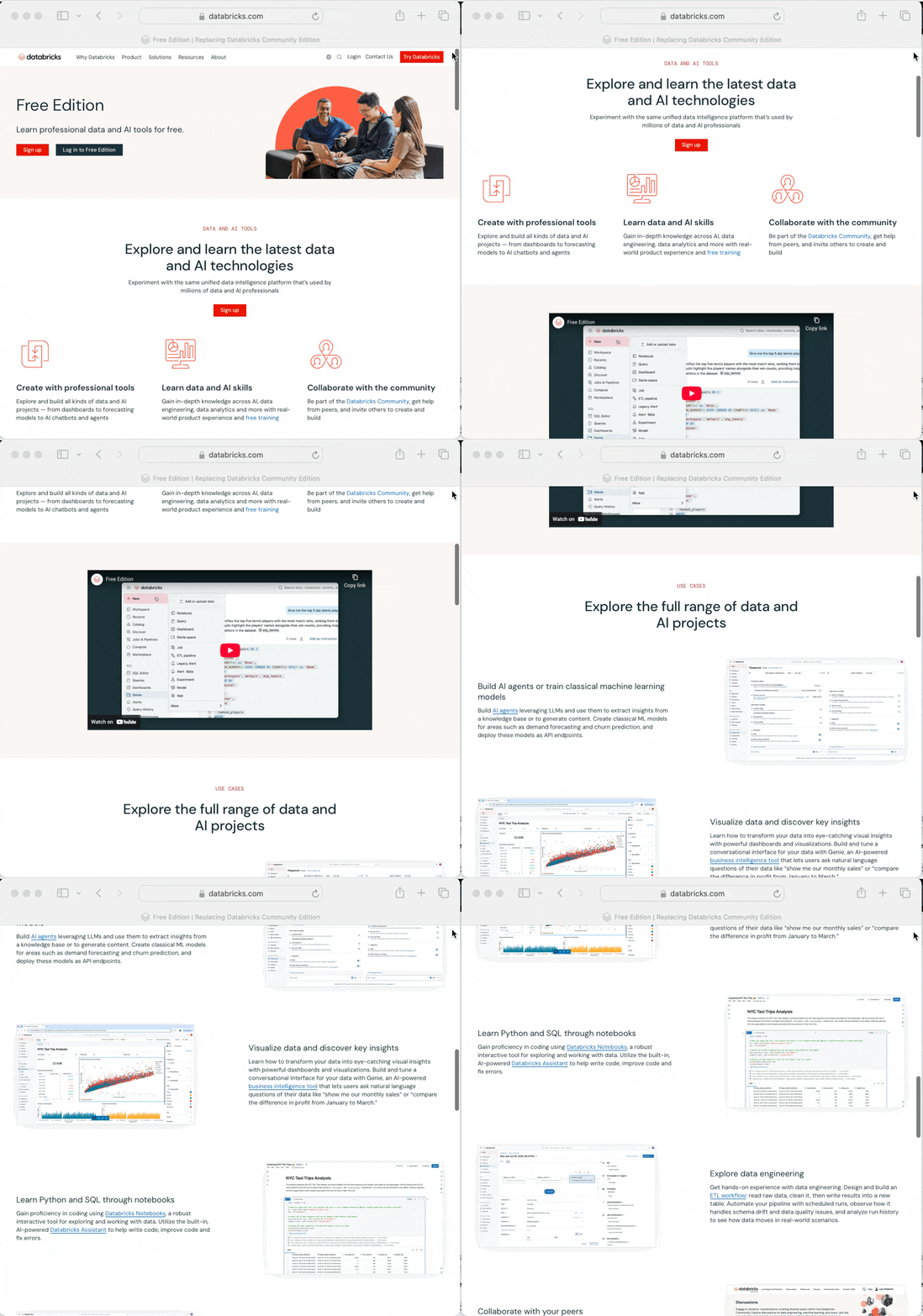
After you’ve whet your appetite for the inspiring journey ahead, go ahead and smash that “Like” “Sign up” button.
When you click ‘Sign up’ you are brought to a sign up page where you can link a Google or Microsoft account, or just use an email:
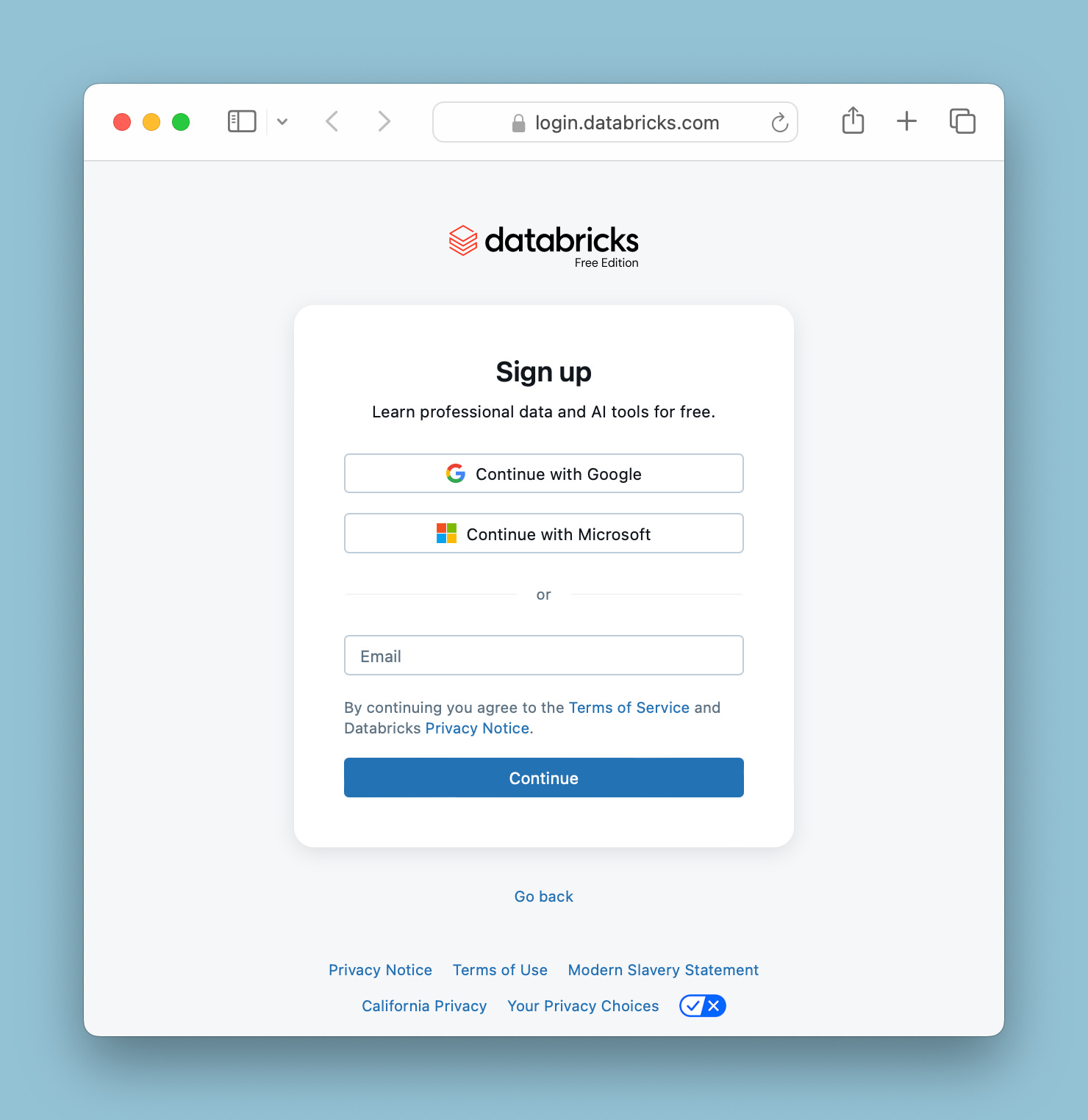
I’m an email guy myself. Putting in an email address brings you to a passcode verification page, indicating they’ve already sent a code to the email I entered:
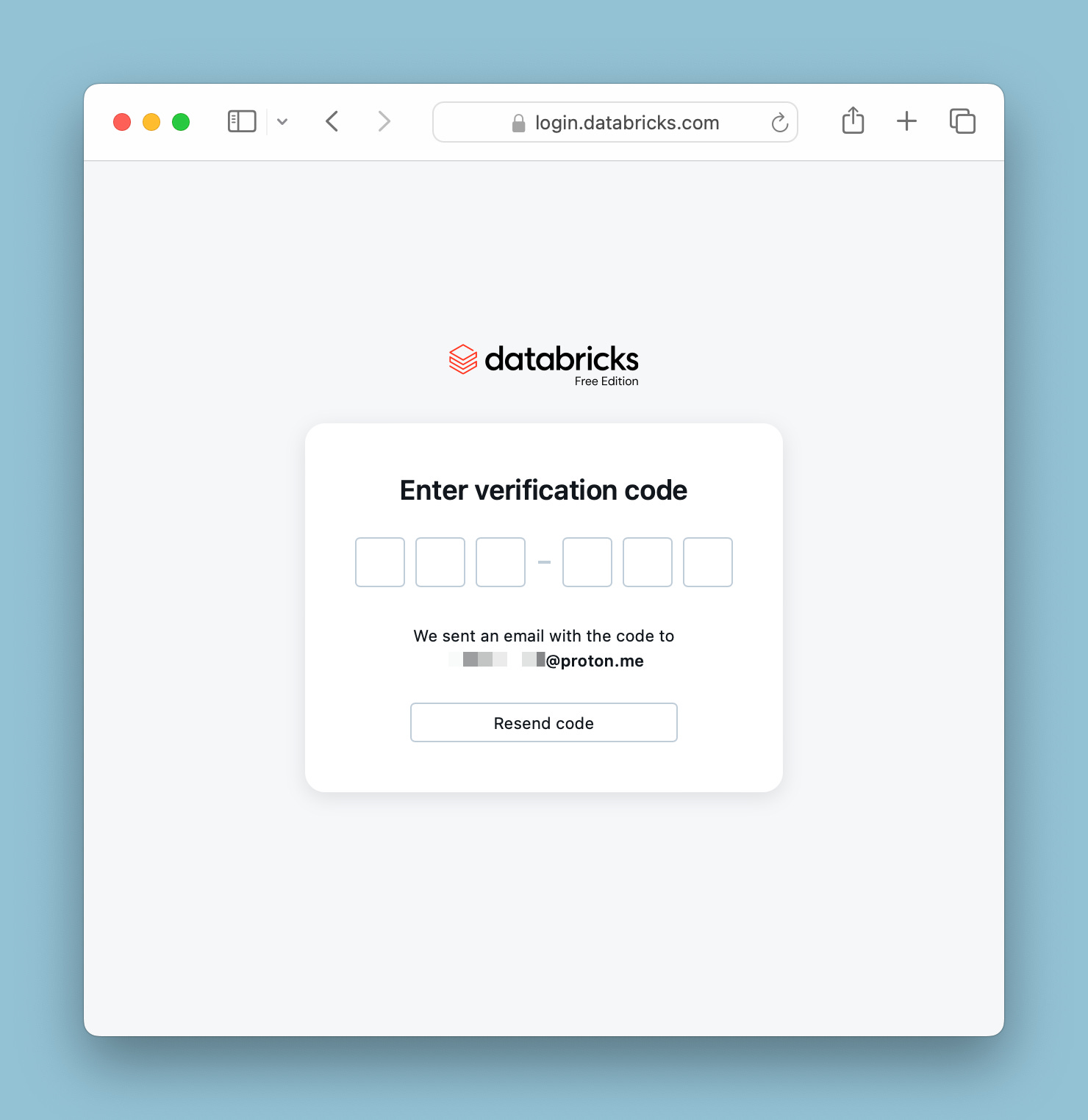
Sure enough, the code is in my inbox, patiently waiting:
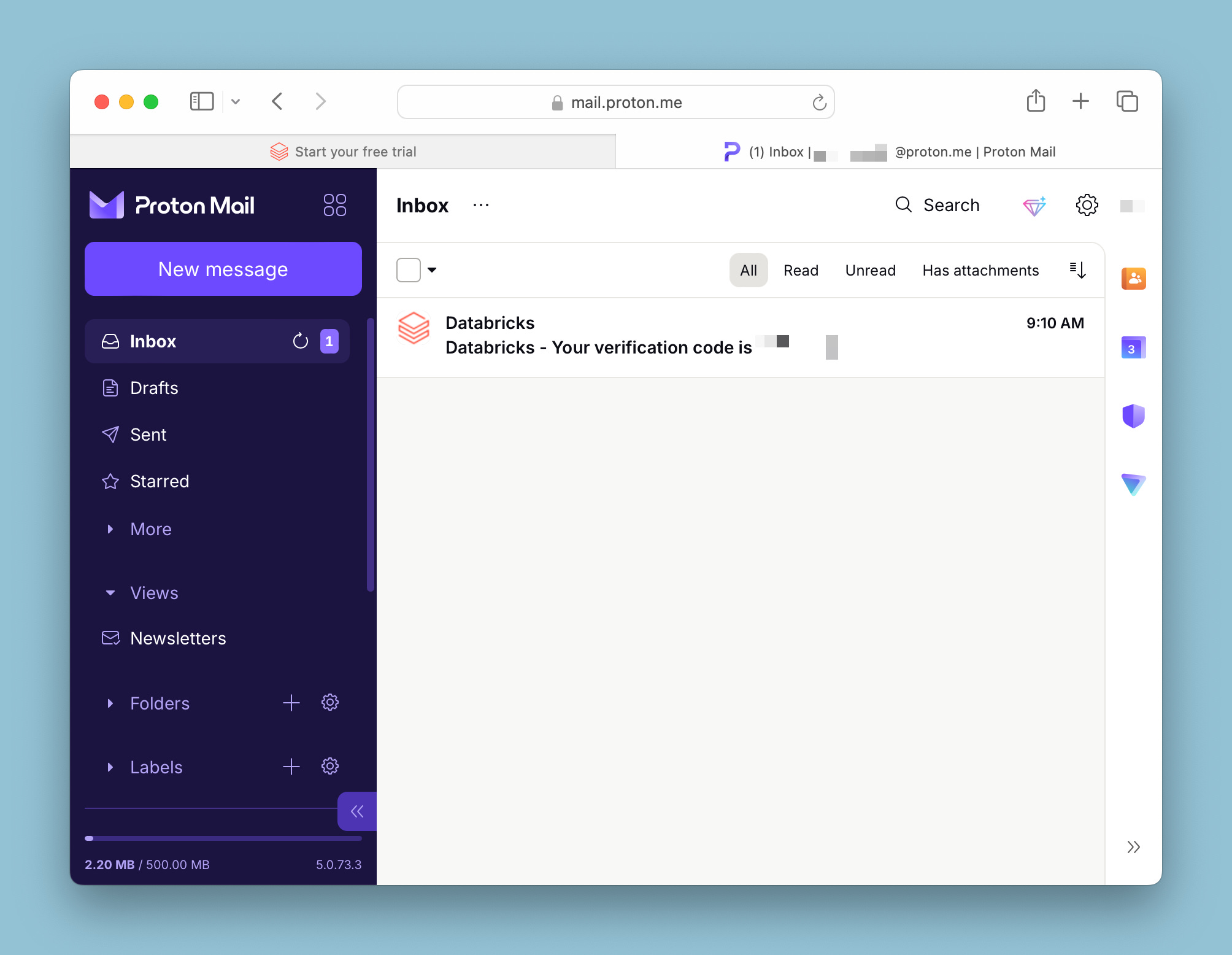
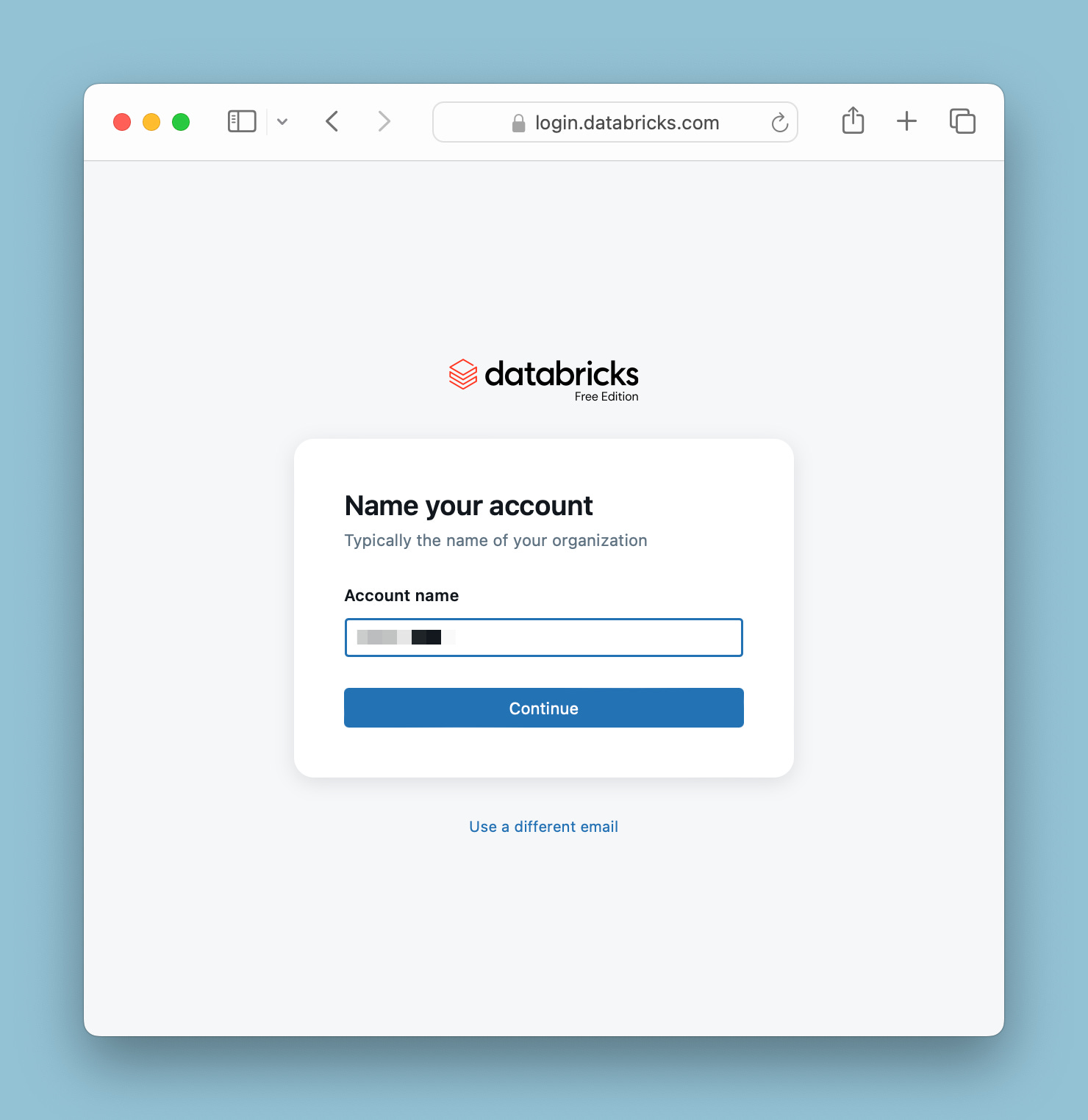
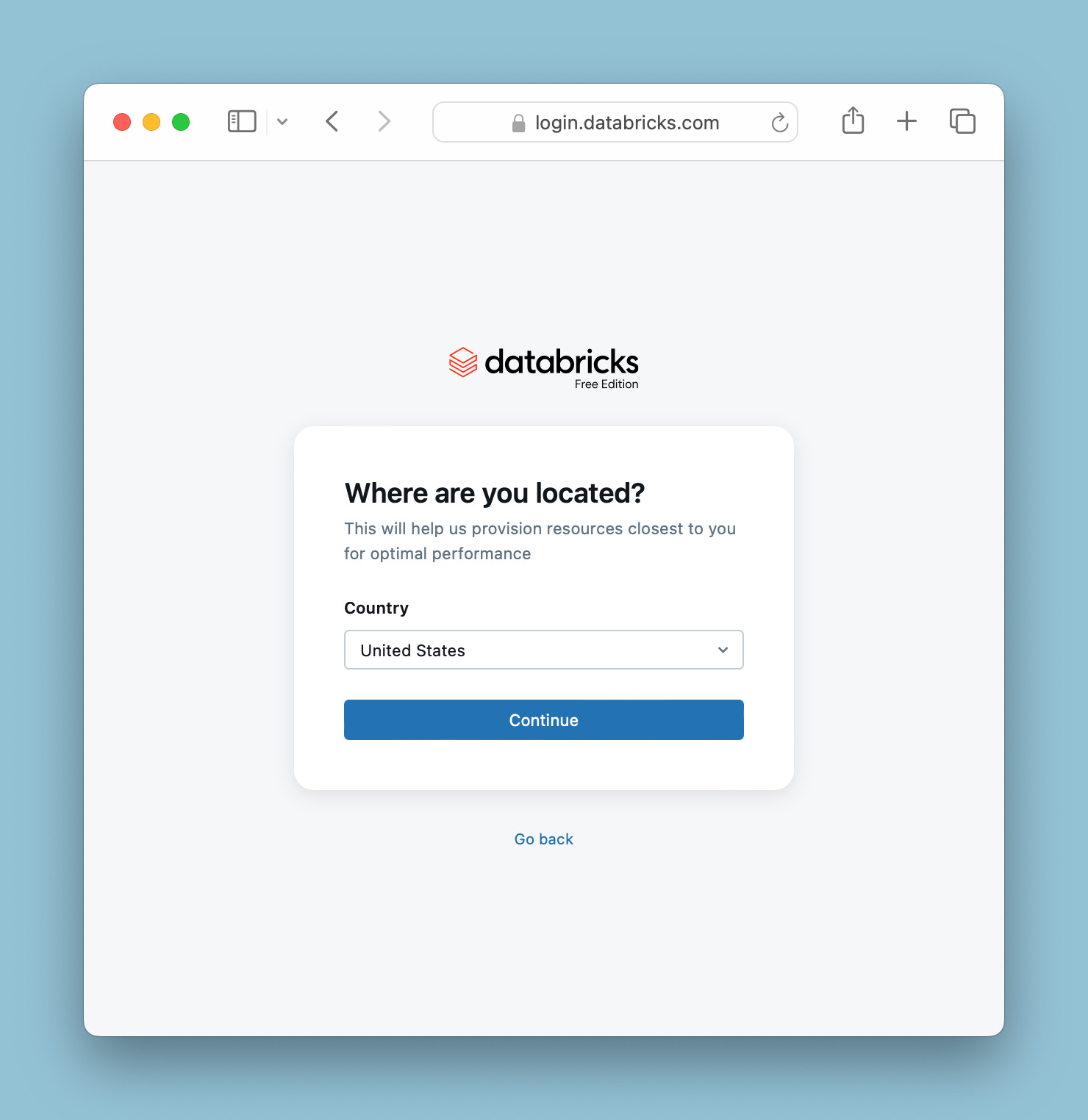
Entering the code will trigger a few dialog boxes - a captcha to ensure you’re a human, a dialog to name your account (don’t stress over this - you can change the name later4), and what country you’re in.
After you finish these registration screens you’ll have your shiny new Databricks Free Edition account:
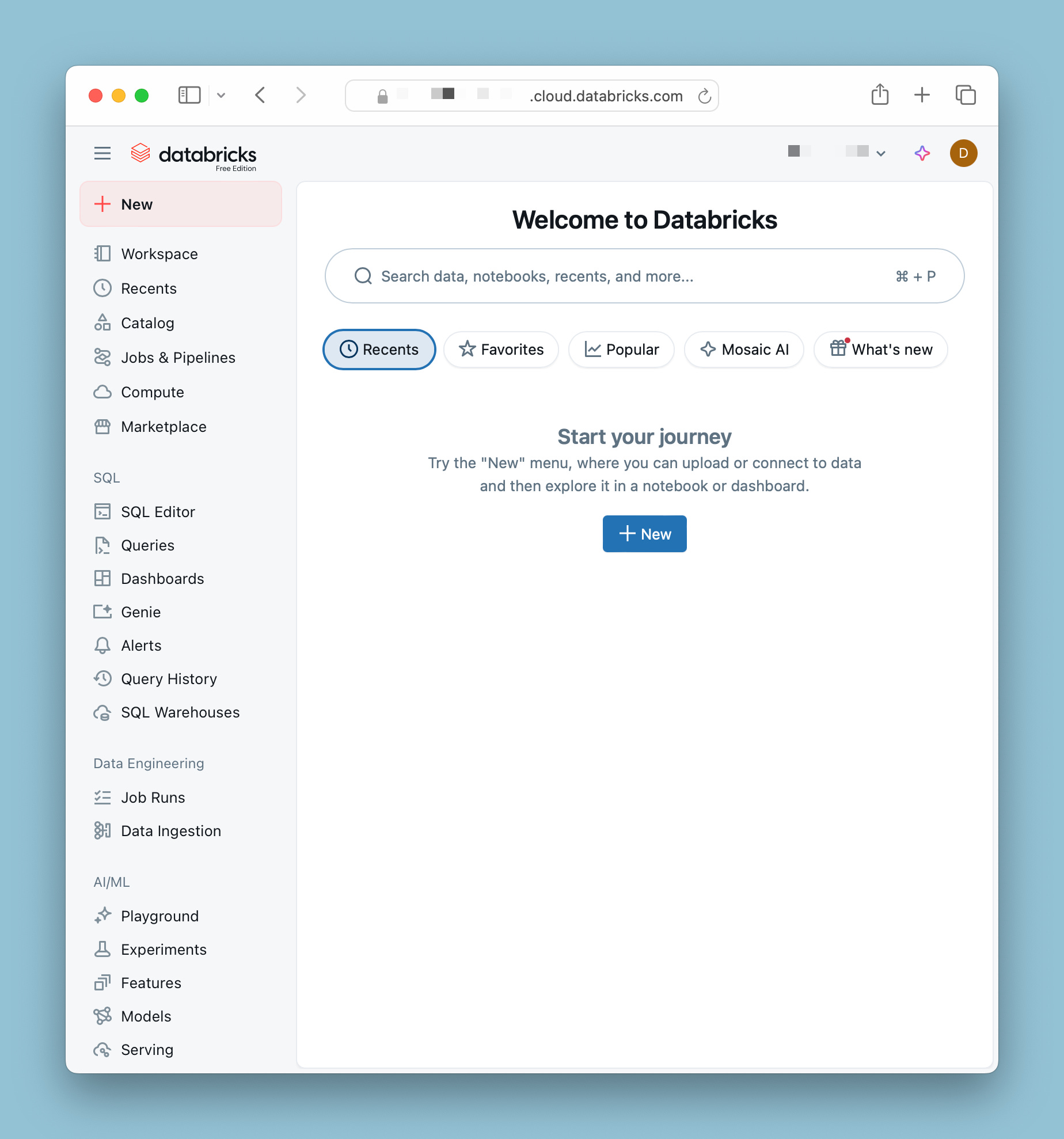
I need to emphasize: at no point5 does Databricks collect a bunch of info on you. No phone numbers, no extraneous contact info, no agreements to meet with a Databricks sales rep. To date I haven’t received any extra emails, sales reach outs, or hard sells. Just a private, free Databricks workspace to roam and learn.
With this ease of sign-up6 and the offer of a fully featured environment, Databricks is making a bold move to cultivate a gigantic userbase. This is a win-win for both Databricks and data practitioners (and aspiring data practitioners, obviously!) across the spectrum. Let’s get signed up and dive in!
I do hope they eventually come up with a better name than ‘Free Edition’.
Easier than putting up with my logorrhea, doubtless.
I know what you’re thinking. A big red almost red orange button and I’m not supposed to push it?! If you do click “Try Databricks” you’re going to get the Trial signup page:
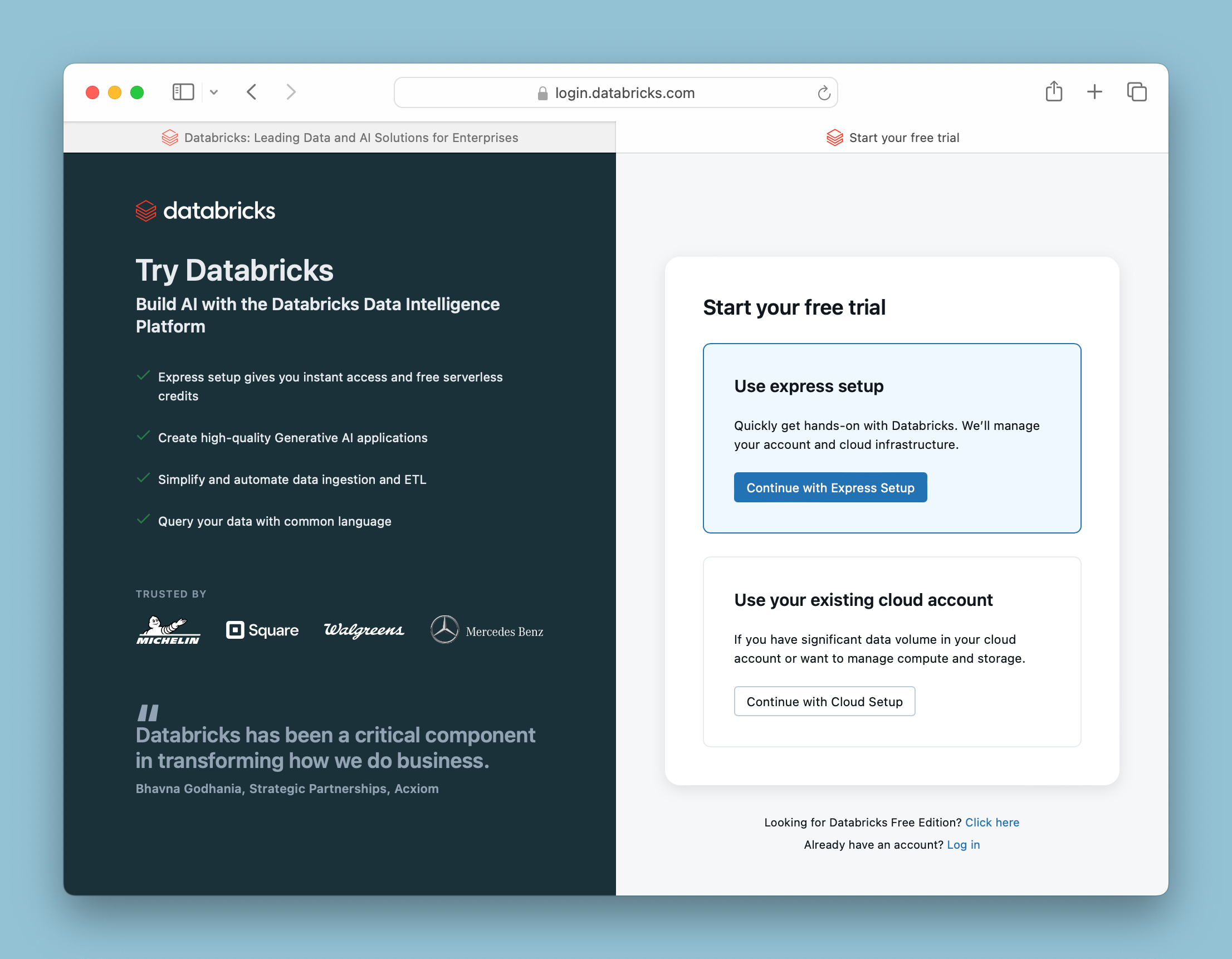
This is not the Free Version; this is a Databricks commercial trial, usually used for test running Databricks as an enterprise solution. You can see the ‘Use your existing cloud accoubt’ above is assuming you already have a substantial cloud footprint, and it will also create storage objects and compute in your existing account. Even if you choose ‘Use express setup’, you’ll see these limitations:
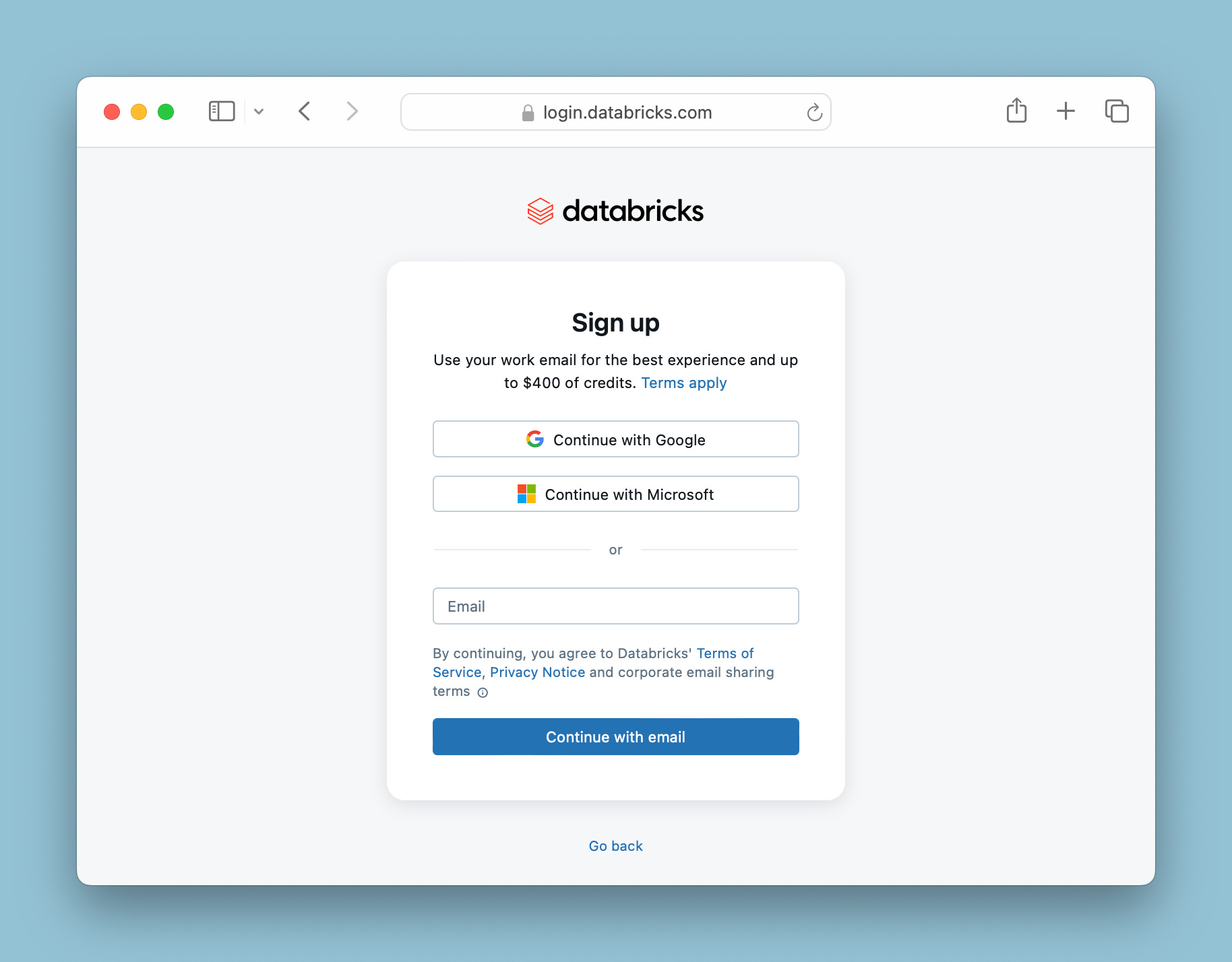
For learning and experimenting with Databricks, this isn’t what you’re looking for. If you’re hoping to get some emails from Databricks account reps, however…
The name you actually put in the “Name your account” box is the Workspace name. This gets confusing if you haven’t worked with Databricks before, but when you sign up with Databricks Commercial Edition, you get an account. An account can have multiple workspaces underneath - they can be arranged by ascendant environments (e.g. “Dev” → “Test” → “Stage” → “Prd”), by team or business units (e.g. “Operations”, “Sales Marketing”, “Human Resources”), and so on. This means that you can change the workspaces as much as you like.
This is similar in the Free Edition; you can mess around with your workspace. Here, I have a workspace called “not_a_real_workspace”, and want to change it in the settings:
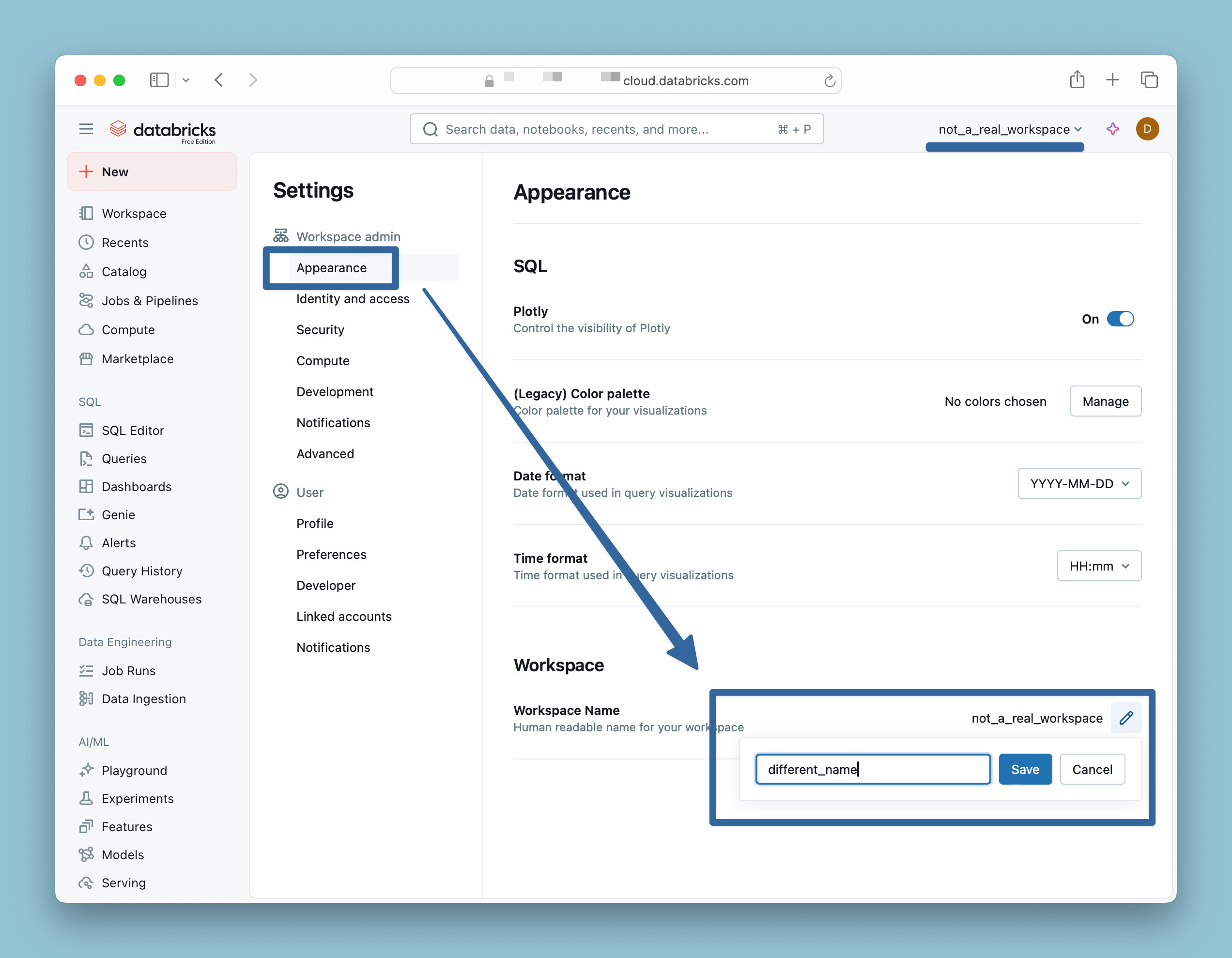
Save the change, refresh your screen, and you’ll be good to go.
Unfortunately, Free Edition only allows one workspace per sign-up, so doing a blog entry on managing workspaces and metastores is going to prove difficult. I’ll probably have to set up a Trial.
“…at the time of this writing, anyway”, said Eeyore. As always, these things are subject to change - I’m sure Databricks will be forced to shoehorn in a legal user agreement or other service level caveats, at least.
The time it took me to put this blog together far outweighs the actually sign up time; heck, just thinking of which email to use and a snappy name for the Workspace took longer than it would have to just click through and get to work.